Overview:
Cash Purchase Refund is a counterpart form of Cash Purchase. This form is used to allow the maintained supplier, as well as walk-in suppliers, to record cash refund transactions and enables the system to reverse payment to suppliers and update the stock inventory.
In the system, a Cash Purchase Refunds can only be created if there is an existing Cash Purchase to be refunded; therefore, there are two methods available for creating a Cash
Purchase Refunds:
Add New Cash Purchase Refund > Transfer from Cash Purchase
In Cash Purchase > Transfer to Cash Purchase Refund
Procedure:
Method 1: Transfer from Cash Purchase
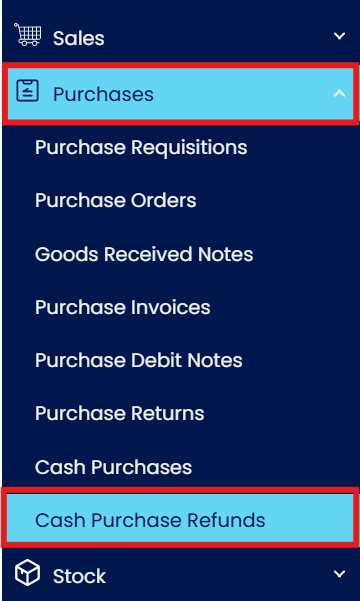
In the Navigation Pane, go to Purchases > Cash Purchase Refunds
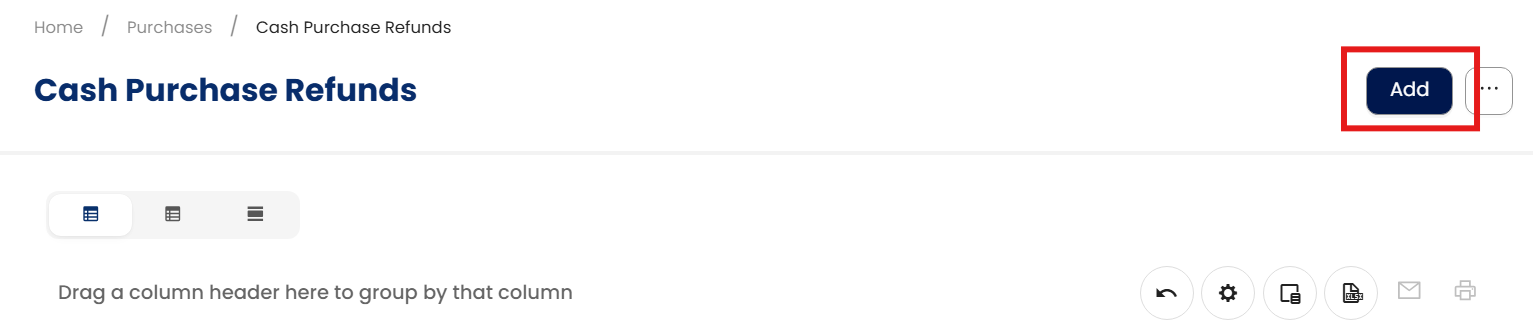
In Cash Purchase Refunds, click ‘Add’.
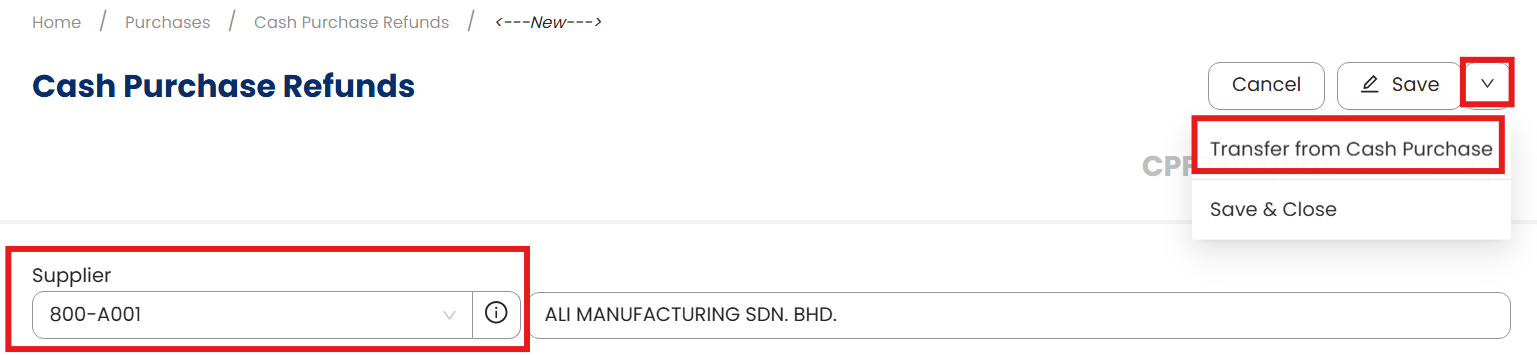
Select Supplier > Transfer from Cash Purchase
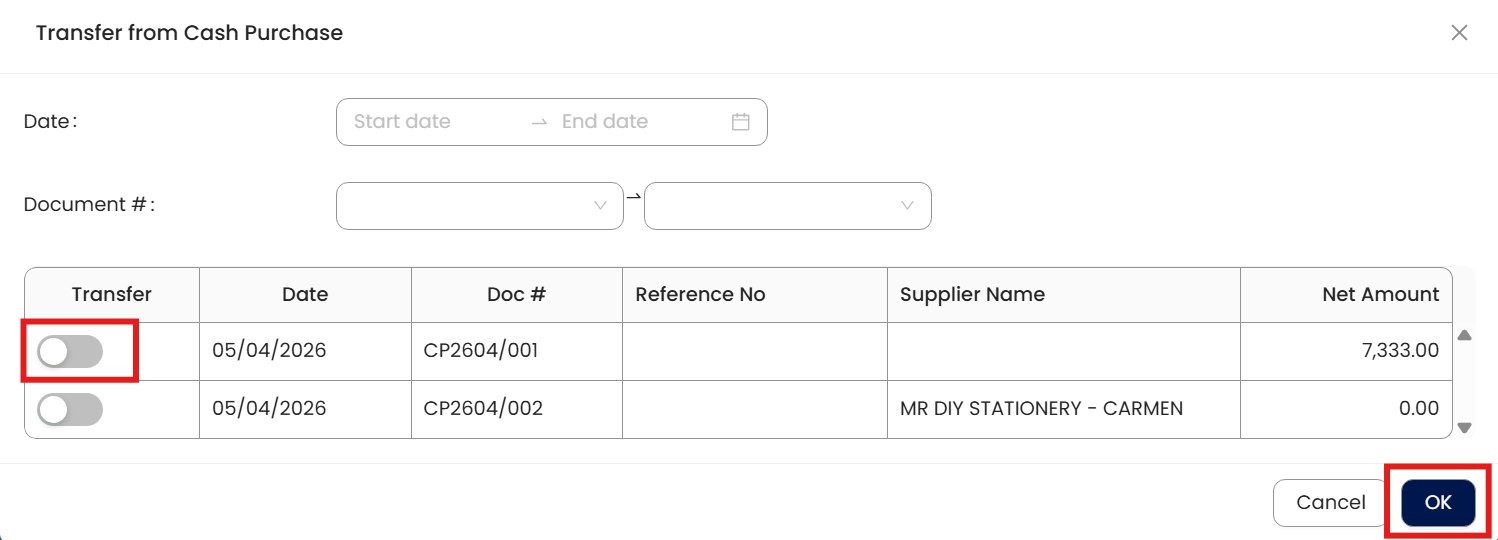
In Transfer from Cash Purchase, select Cash Purchase transaction to be refunded. Once done, click ‘OK’
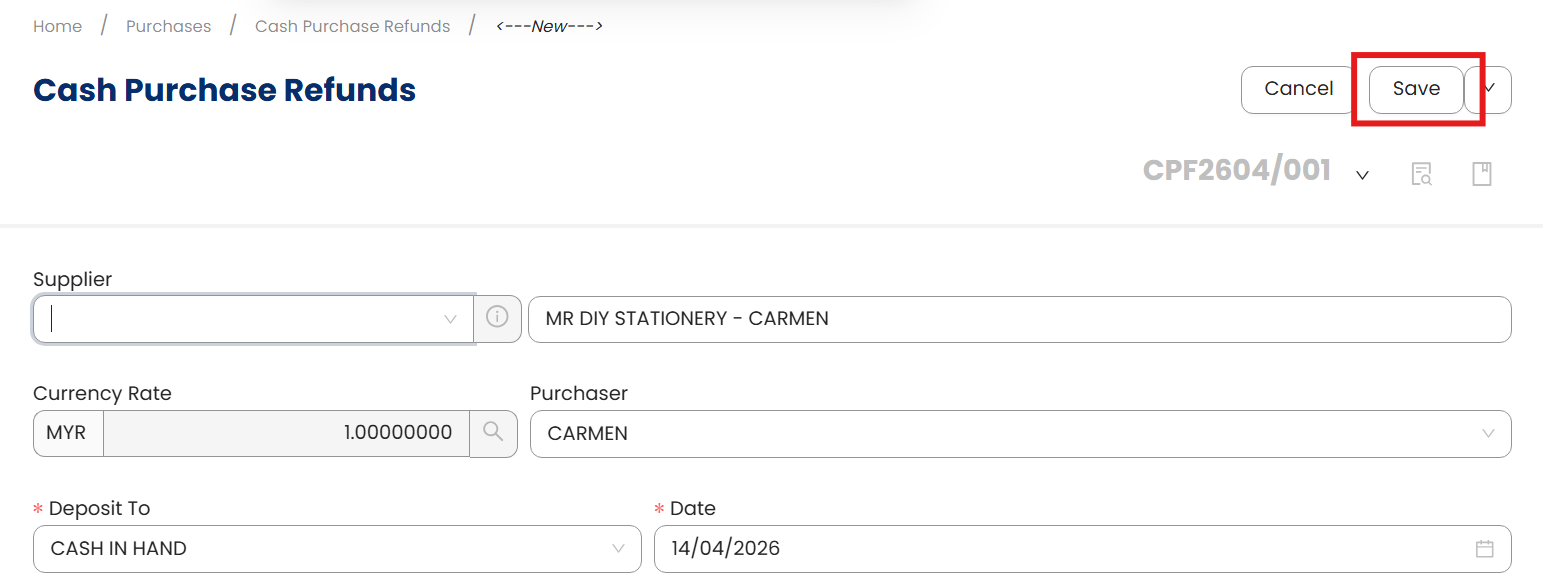
Once transferred, click ‘Save’.
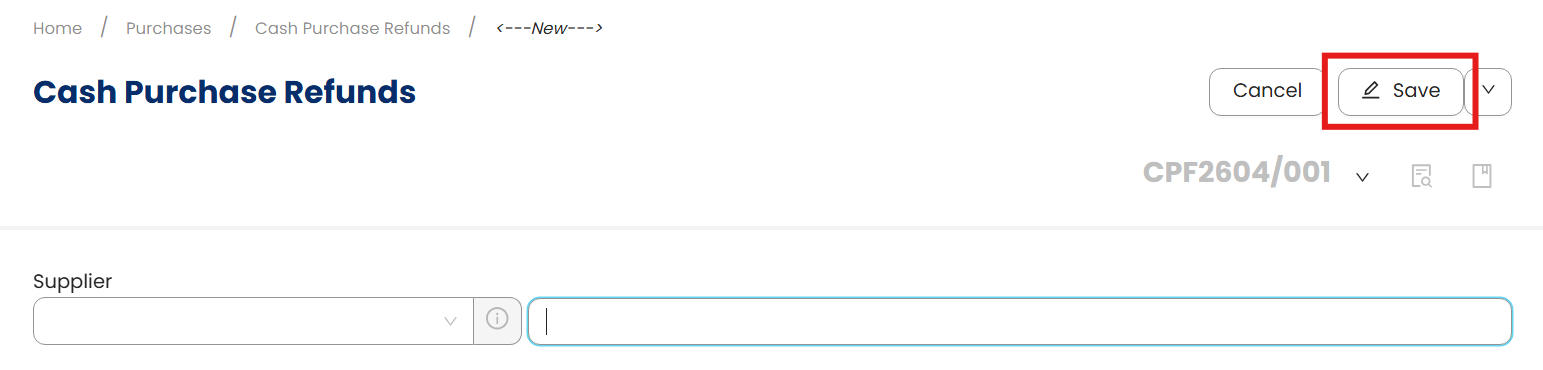
Method 2: Transfer to Cash Purchase Refund
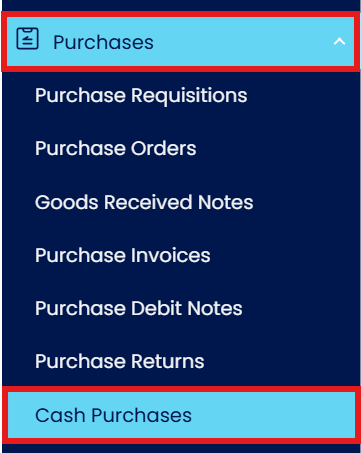
In the Navigation Pane, go to Sales > Cash Purchases
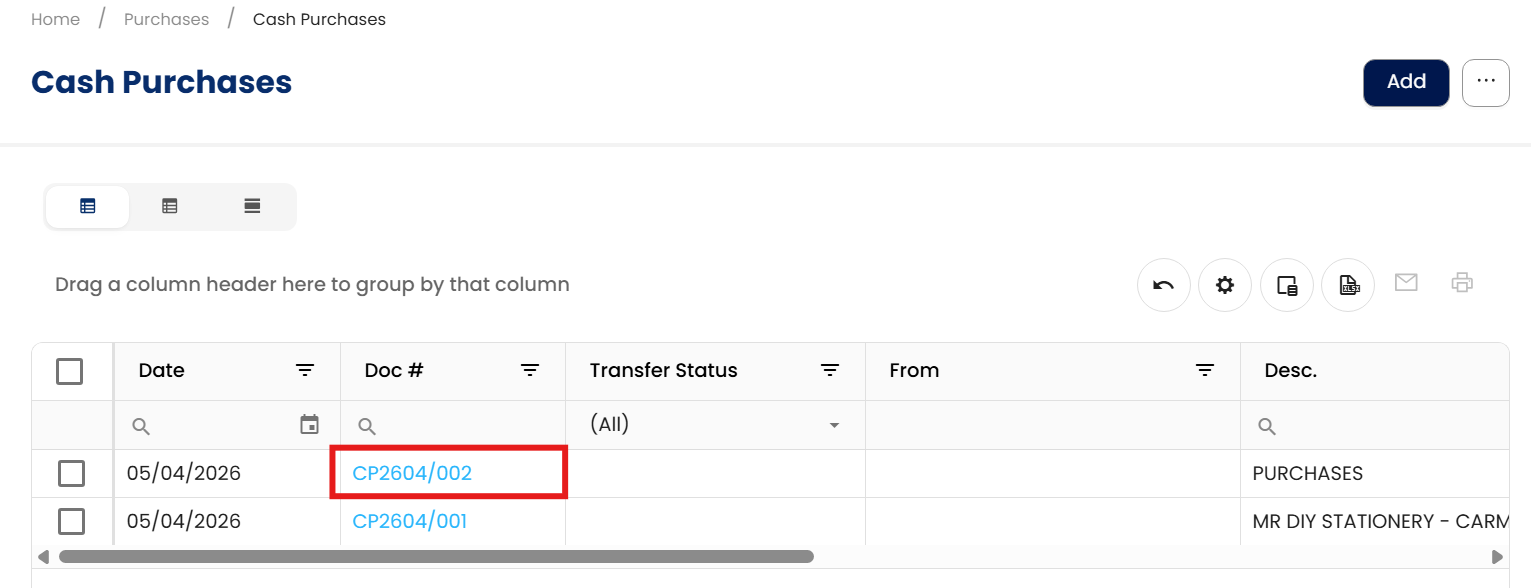
Open for Refund Cash Purchase
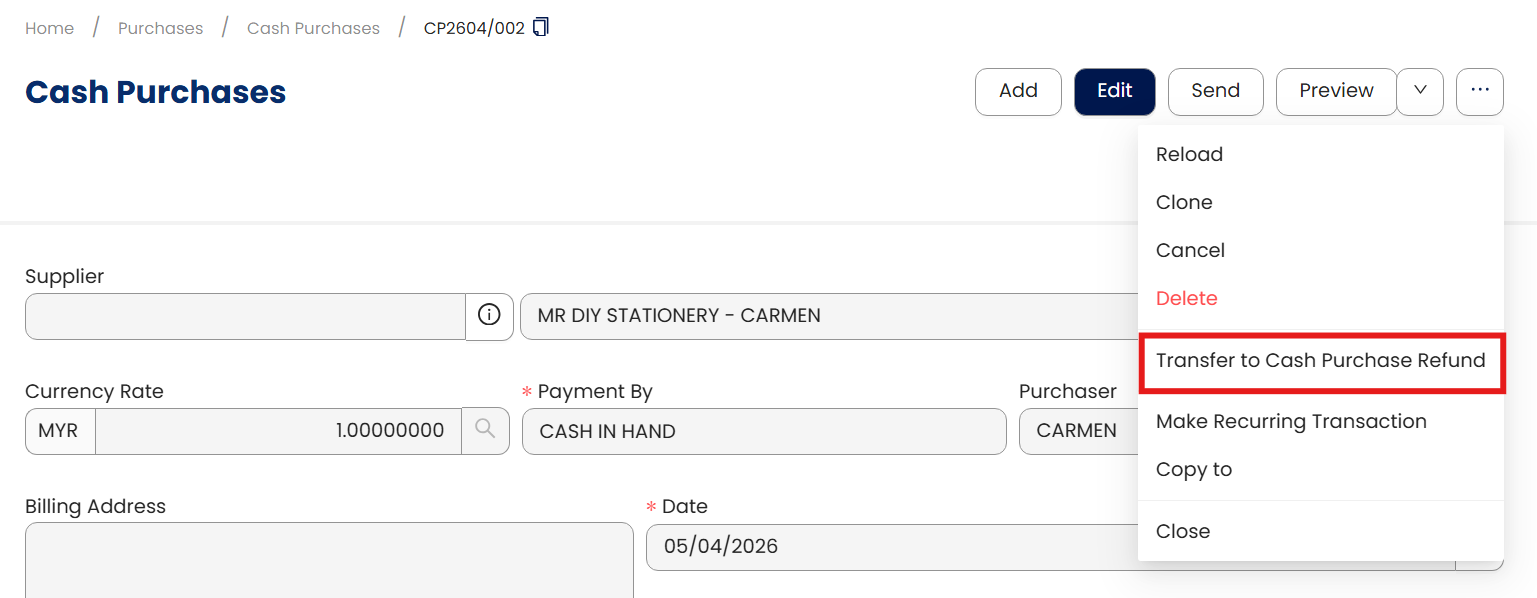
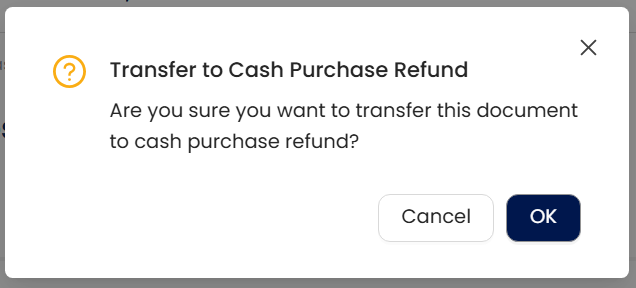
In Cash Purchase form > Transfer to Cash Sale Refund
Confirmation will prompt. Click ‘OK’.
Once transferred, click ‘Save’.
Application:
Cash Purchase will be reversed
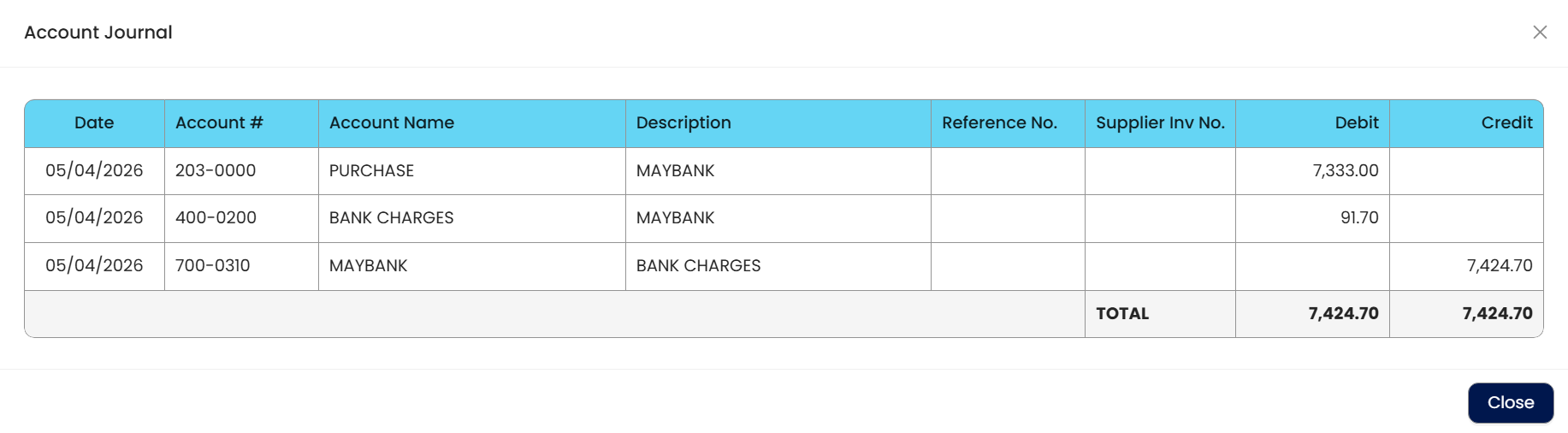
As well as the Stock Inventory

and Cash Purchase will now be tagged as ‘Refunded’.
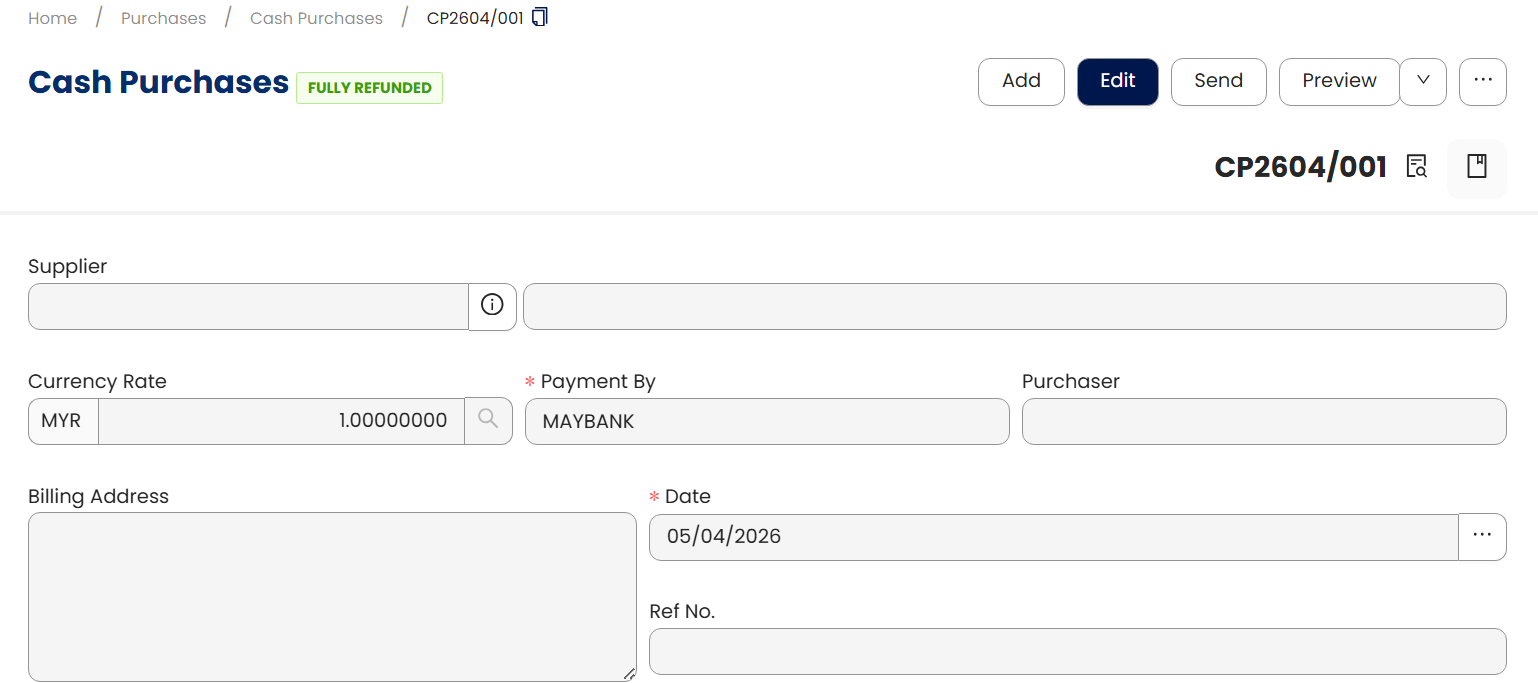
Note: The system also allows users to partially refund cash purchases and to refund multiple cash purchase transaction.
** Learn more about Azure Cloud
** Learn more about QNE Hybrid Cloud Software
System Scope: QNE AI Cloud Accounting / N3 AI Accounting
Was this article helpful?
That’s Great!
Thank you for your feedback
Sorry! We couldn't be helpful
Thank you for your feedback
Feedback sent
We appreciate your effort and will try to fix the article
