View the Customer Reports: Report Types in N3 AI Accounting (formerly QNE AI Cloud Accounting), allows you to generate all necessary reports for your company's financial planning.
To view all reports related to your customers, go to Reporting, click on Report Center, and switch to Customer Tab.
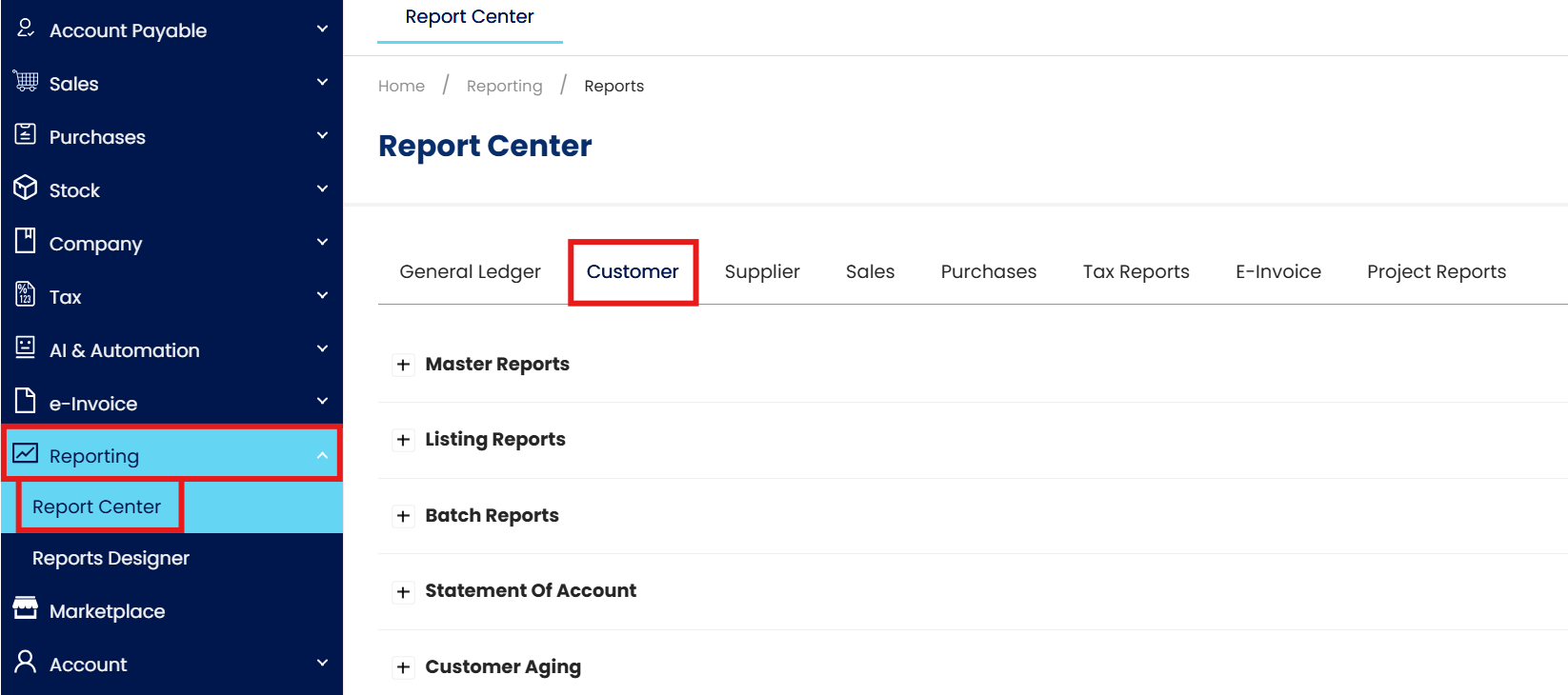
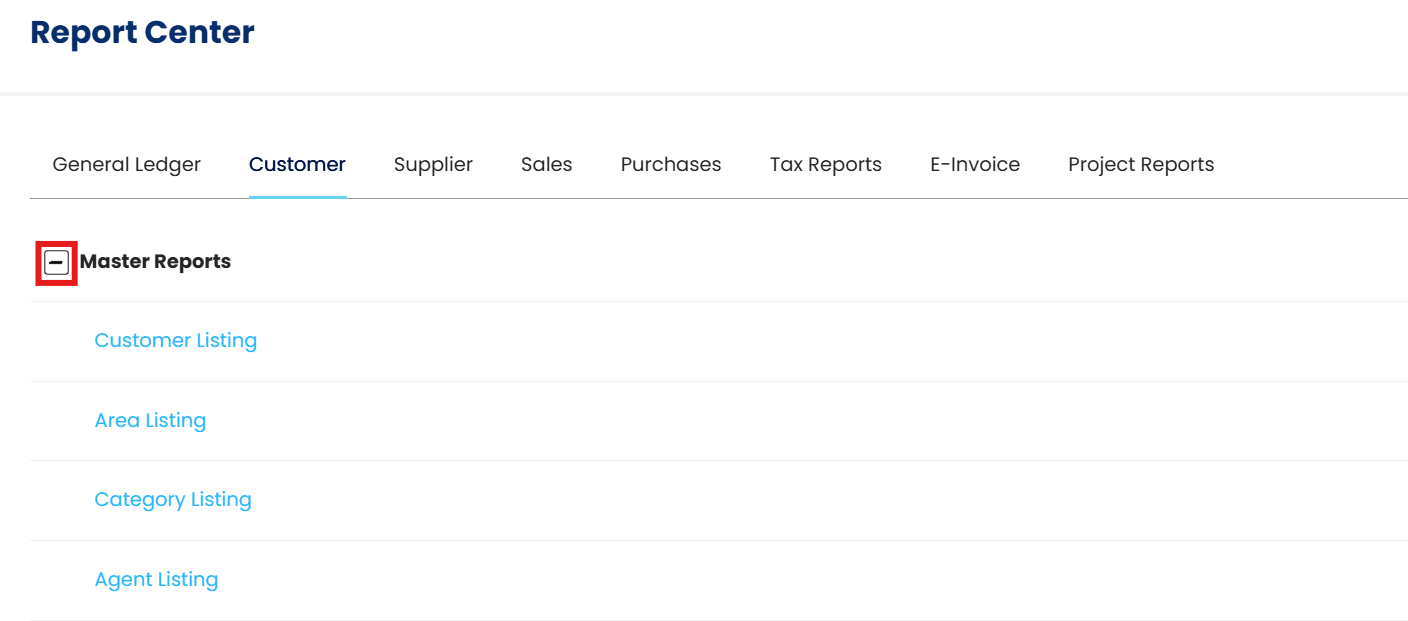
Listed here are the different Reporting Menus. Click +/- button to expand or collapse to view the available reports under each menu.
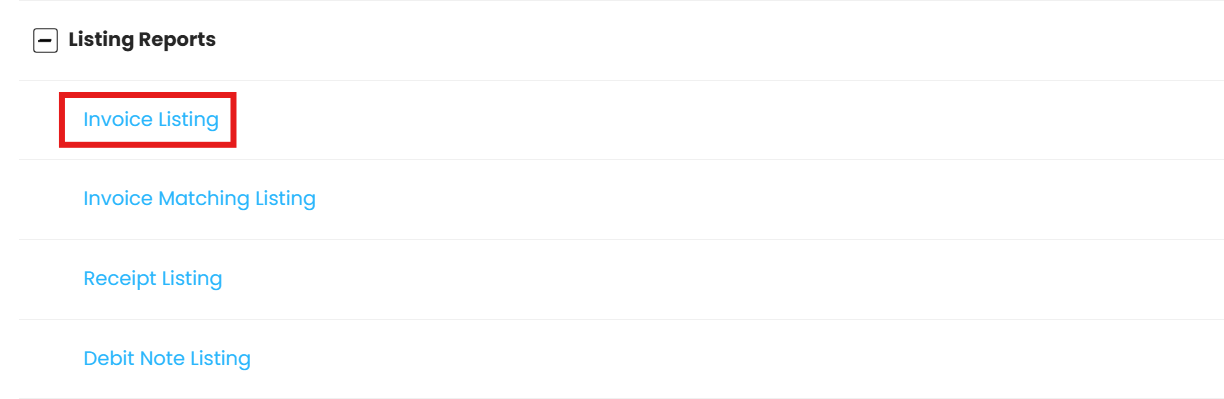
For example, select Listing Reports then choose Invoice Listing.
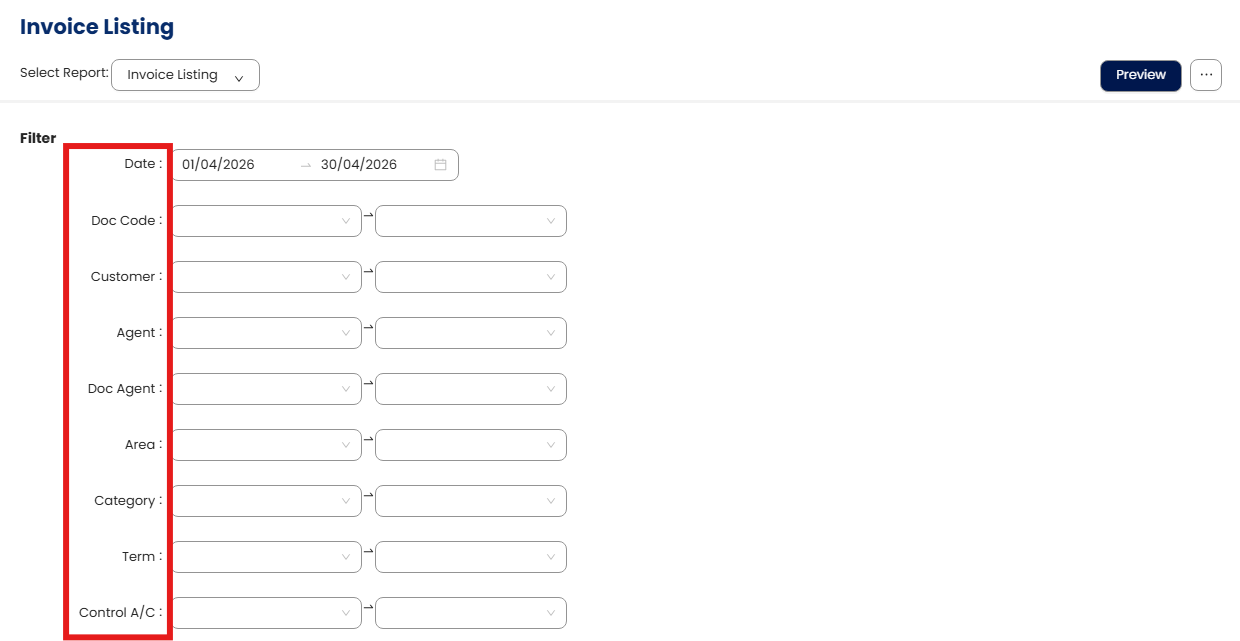
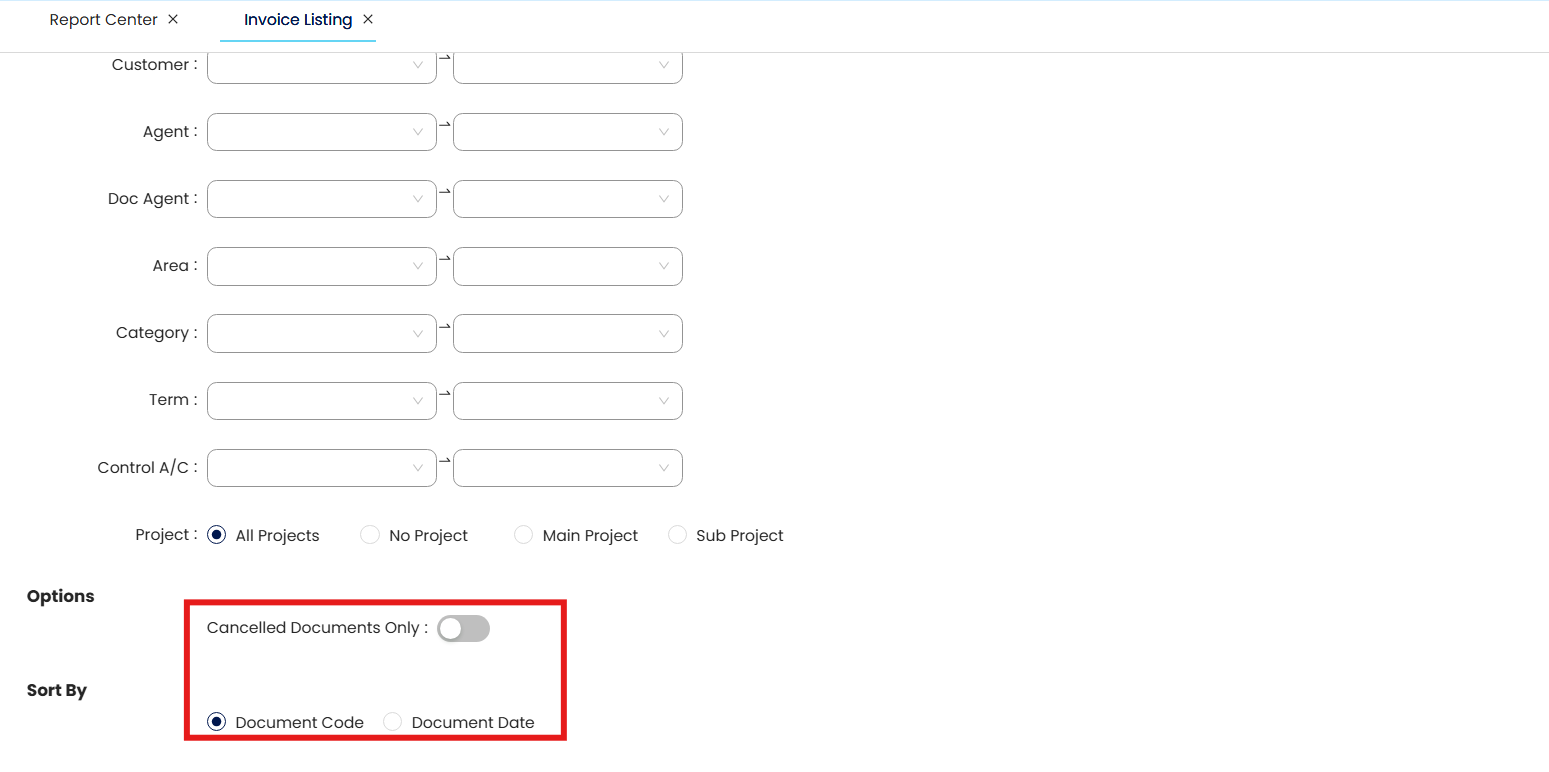
Input your Report Filters. Date Range is by default set to the current month, up to the date today. Modify the Date Filter according to your report coverage needs, same goes for other filters such as specific or range of Doc Code, Customer, Agent, Doc Agent, Area, Category, Term, and Control Account.
In addition, you also have the option to generate Canceled or Voided Documents Only and Sort the report either by Document Code and Document Date.
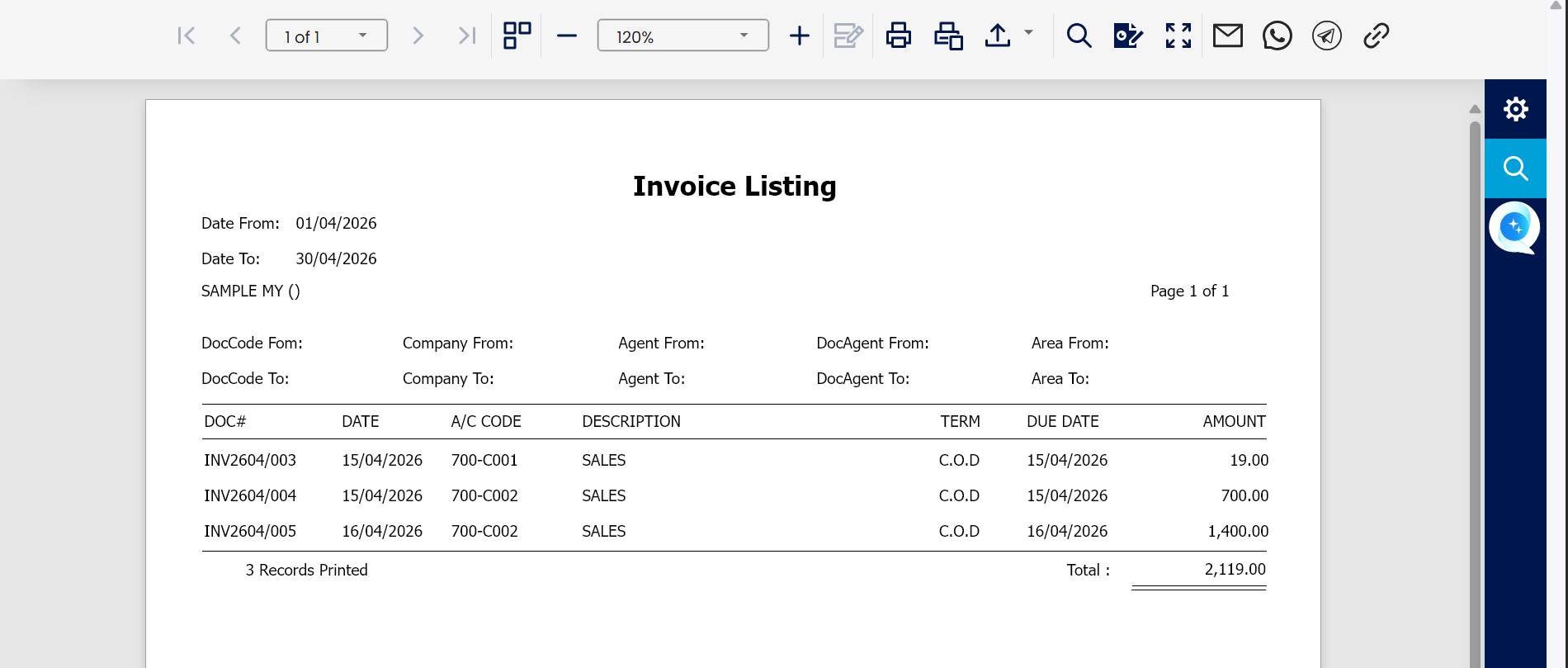
Click the Preview button that will redirect you to another window to display the generated report.

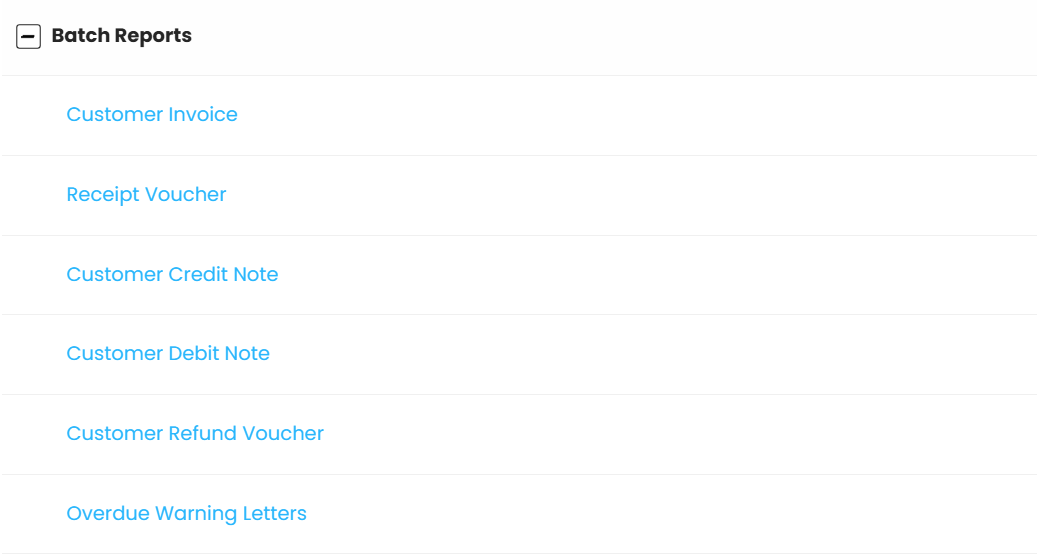
Return to the Main Customer Reports Tab and go over to the next Report Menu, which is the Batch Reports. This lets you print for your multiple documents in one batch.
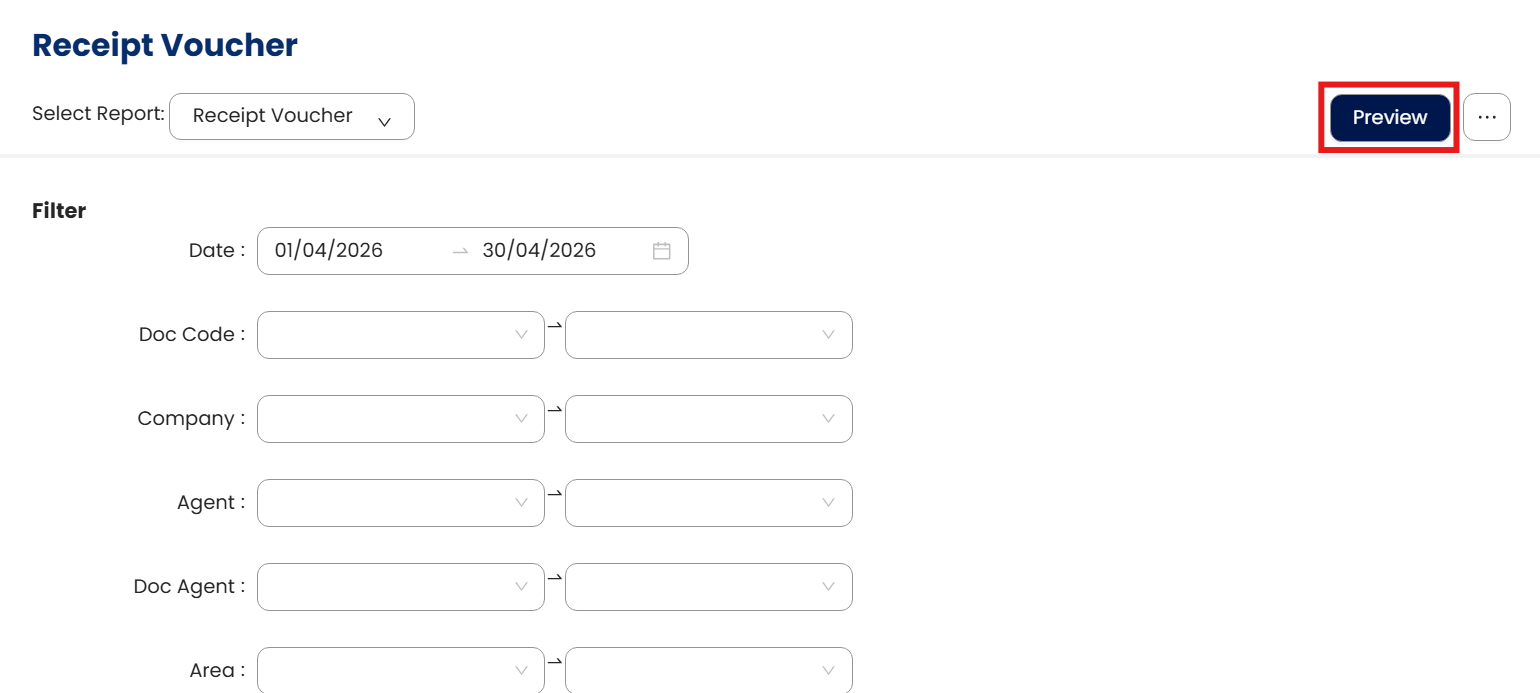
Let’s try Receipt Voucher as an example.
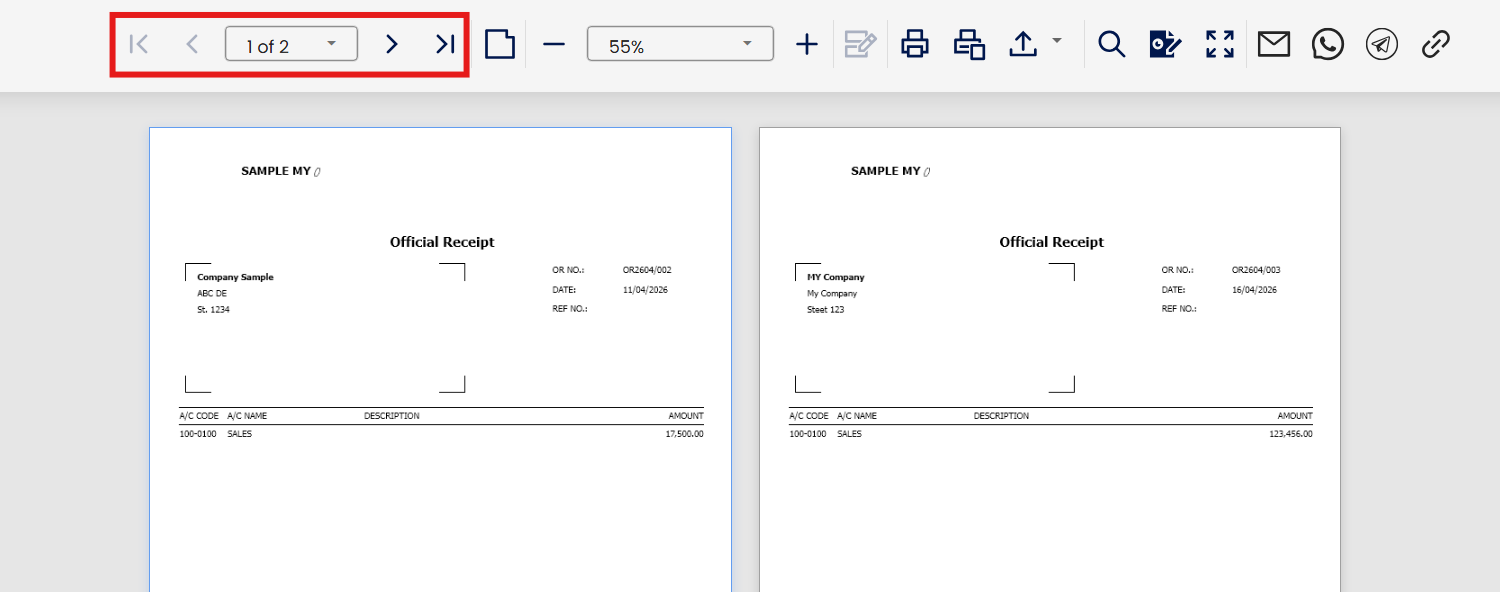
Define the Report Filters as to what are the criteria of the batch report you want to generate. For a given Date Range, Document Number, or receipts for a specific Customer, Agent, Area, etc. Once filters are all set, click the Preview button to generate the report.
Transactions are presented individually and not as a list, and may now be printed at once.
System Scope: QNE AI Cloud Accounting / N3 AI Accounting
Was this article helpful?
That’s Great!
Thank you for your feedback
Sorry! We couldn't be helpful
Thank you for your feedback
Feedback sent
We appreciate your effort and will try to fix the article
