Overview:
Landscape refers to the orientation of a page or document where the width is greater than the height. This is commonly used for presentations, spreadsheets, images, or documents where wider content needs to fit better on a page.
Scenario:
User want to view sales invoice in landscape format
Solution:
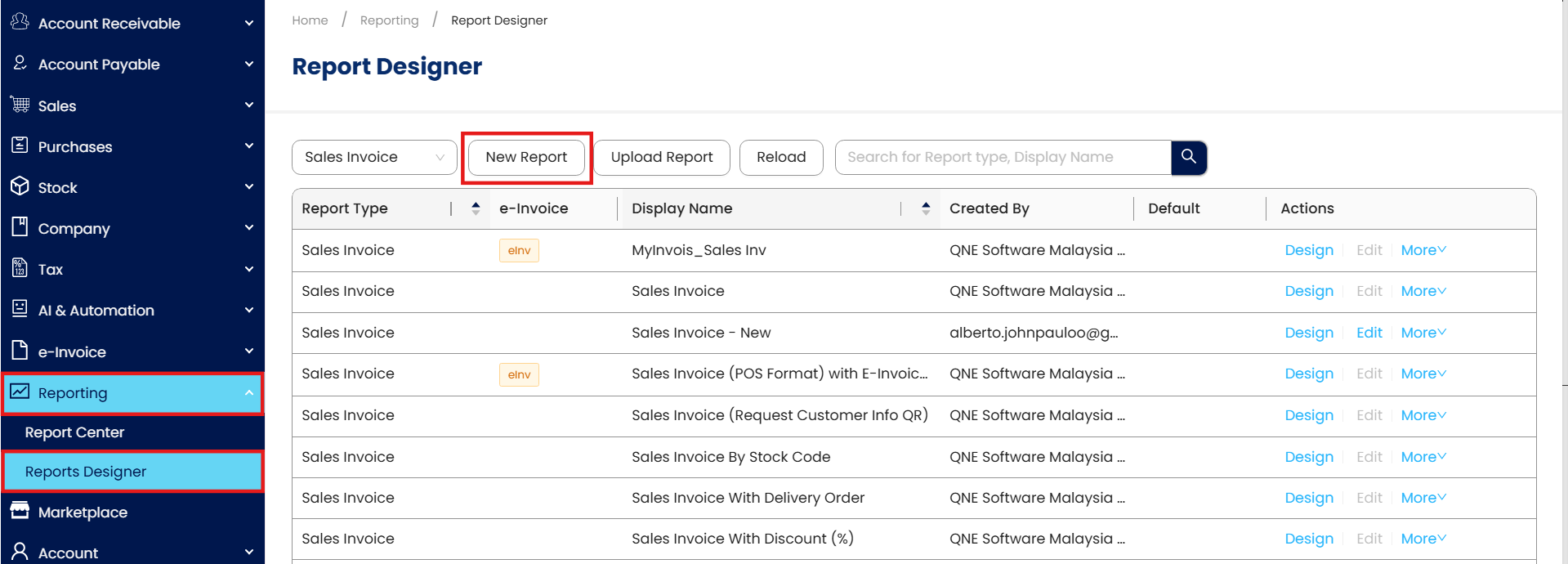
Go to Reporting> Report Designer> click on New Report
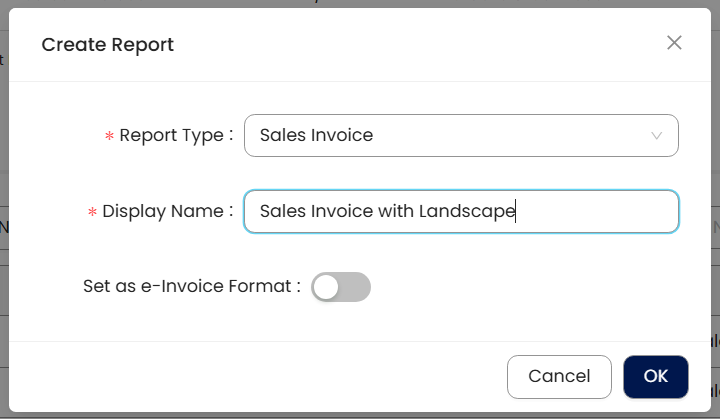
Select Report Type and key in Display Name
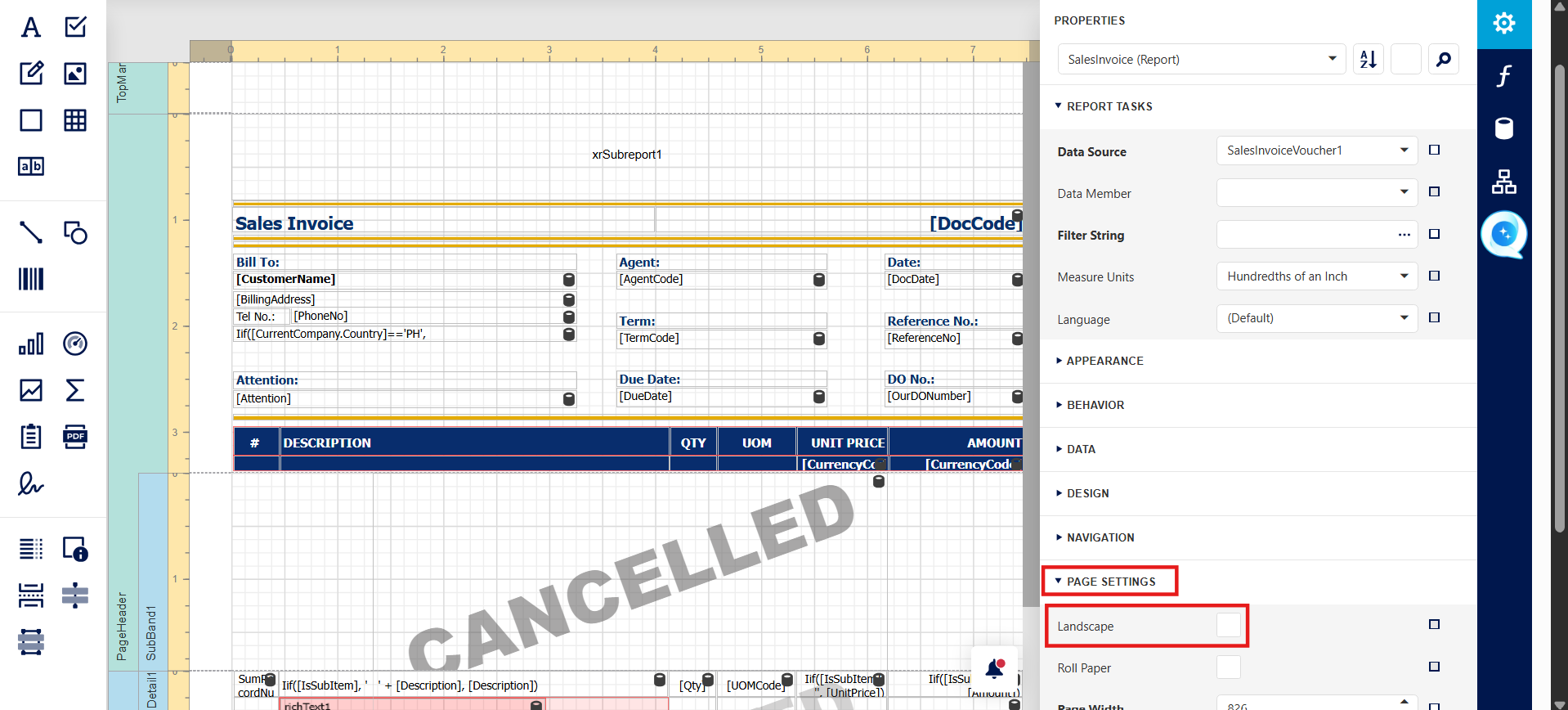
Under Page Settings, tick for Landscape
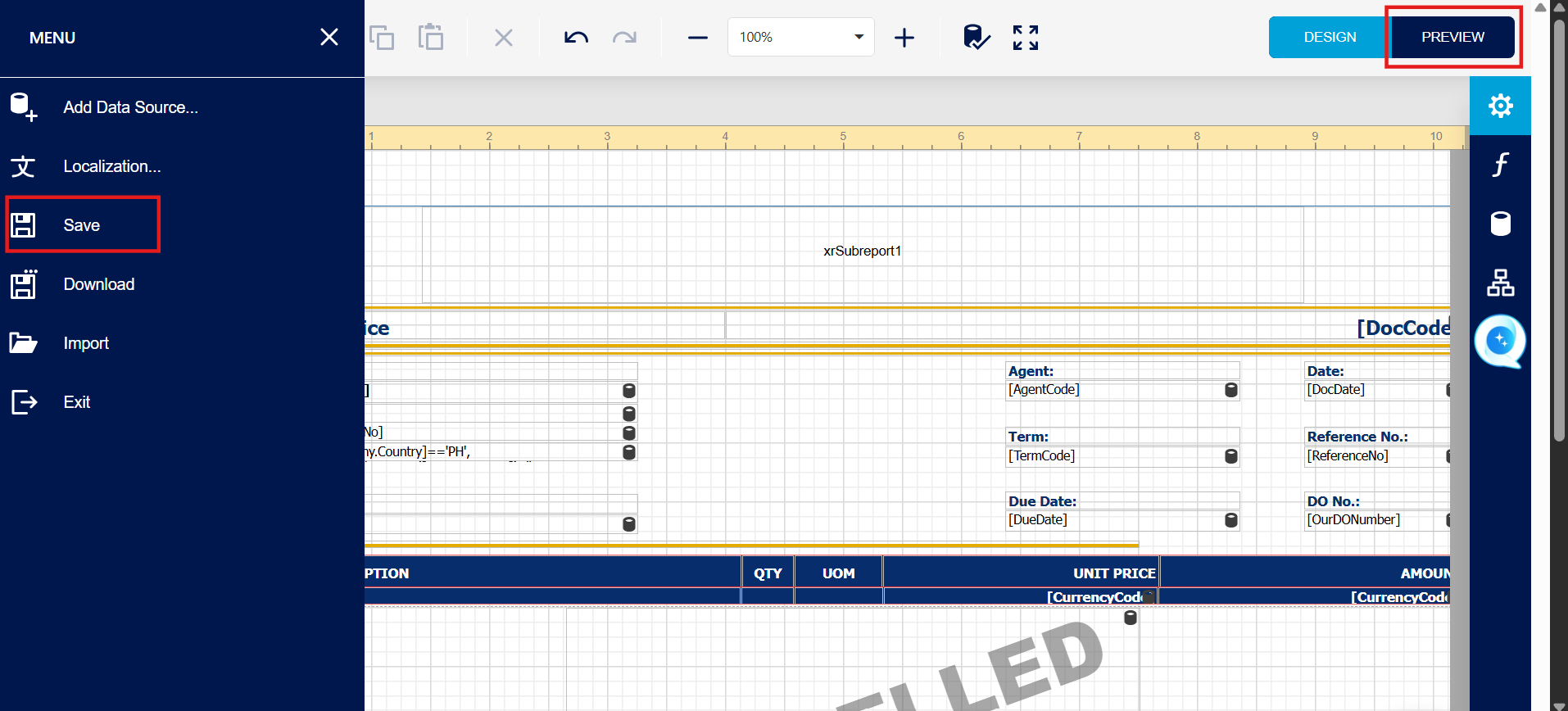
After adjust field width, click on save and try preview.
System Scope: QNE AI Cloud Accounting / N3 AI Accounting
Was this article helpful?
That’s Great!
Thank you for your feedback
Sorry! We couldn't be helpful
Thank you for your feedback
Feedback sent
We appreciate your effort and will try to fix the article
