Overview:
Company logo on letterhead helps to create a professional and recognizable identity for business correspondence.
Scenario:
Want to show bigger logo size in company letterhead.
Solution:
You may upload a bigger logo size or amend logo field size in report designer.
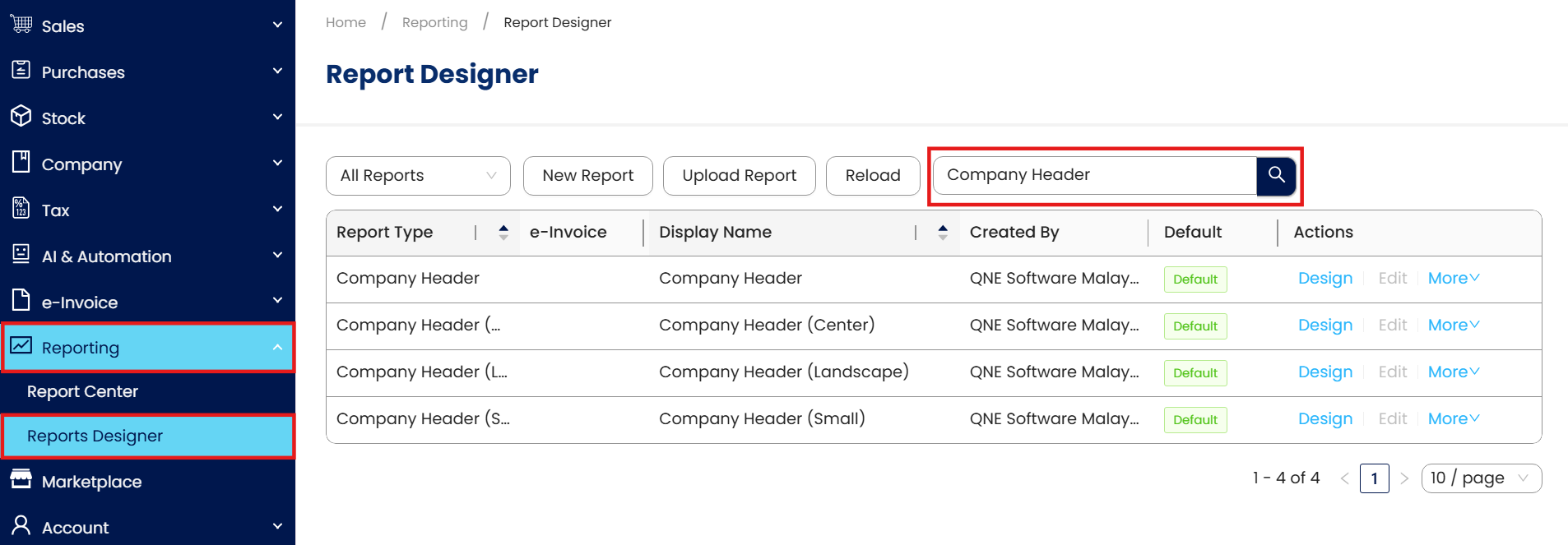
Go to Reporting> Reports Designer> search for company header, click on design and create new company header. (Remember set new company header format as default)
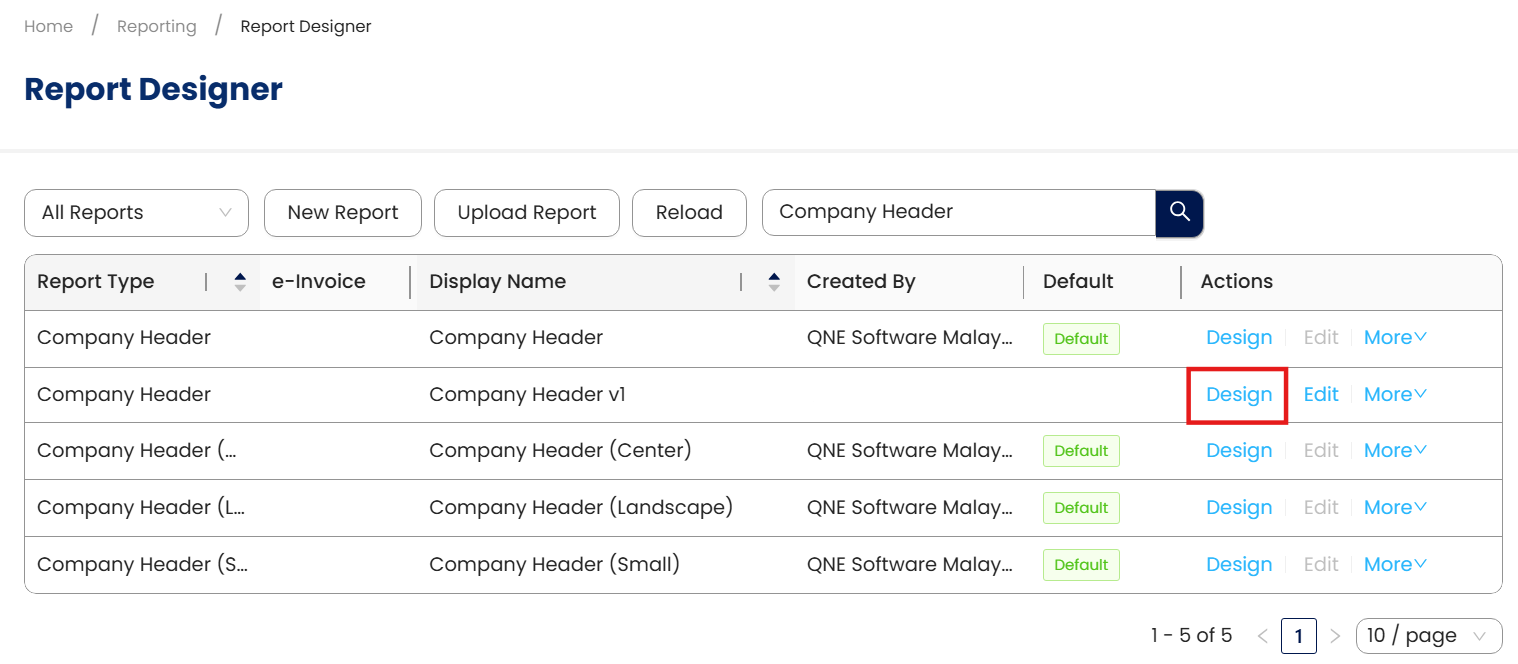
Click design to amend company header format
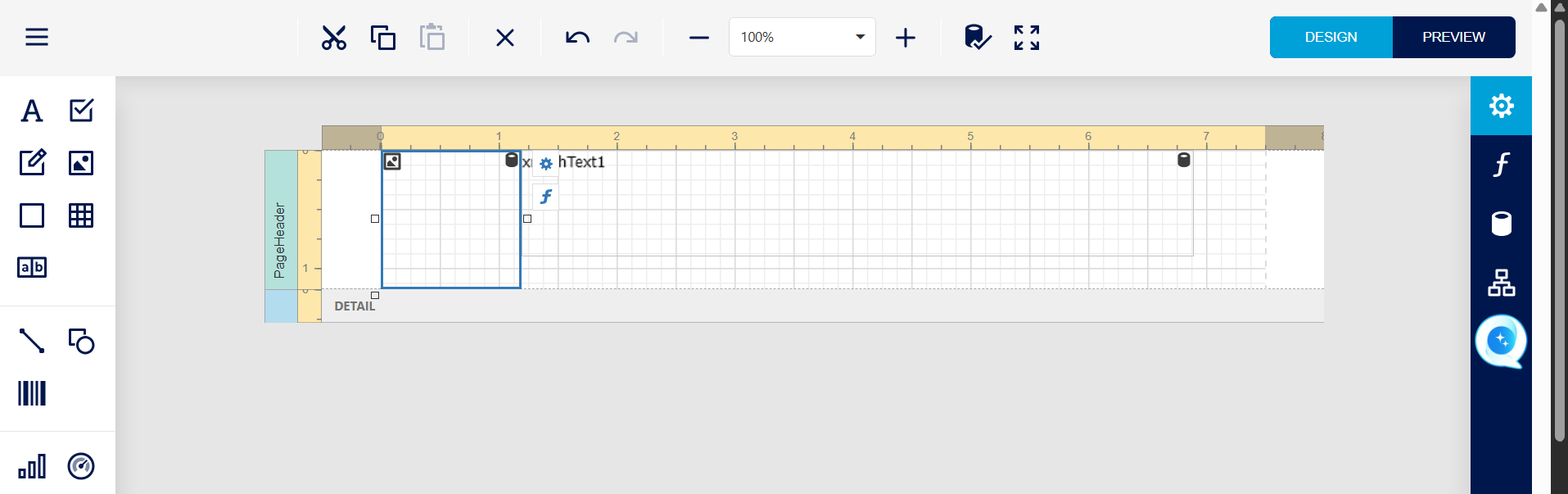
Click on the Picture box, drag it bigger.
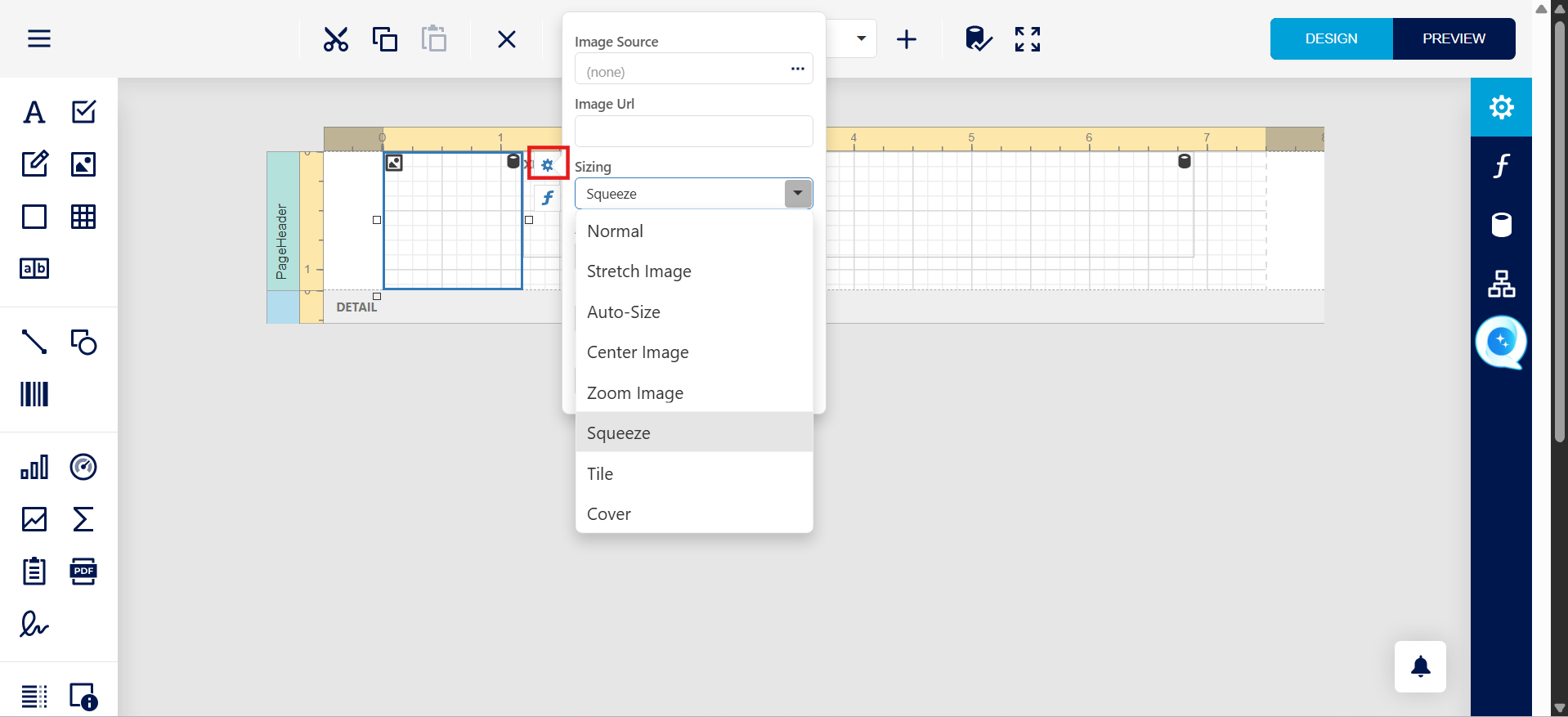
Or can click on the gear icon, and select preferred sizing.
System Scope: QNE AI Cloud Accounting / N3 AI Accounting
Was this article helpful?
That’s Great!
Thank you for your feedback
Sorry! We couldn't be helpful
Thank you for your feedback
Feedback sent
We appreciate your effort and will try to fix the article
